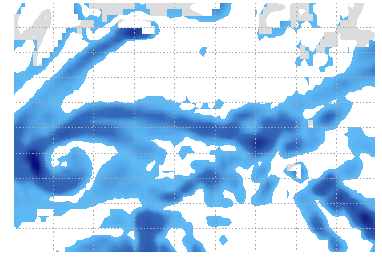
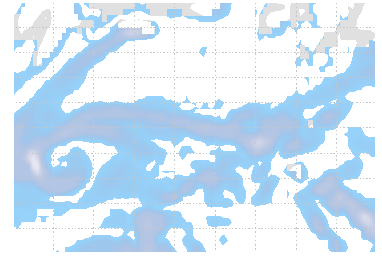
I am trying to convert my images (which have transparent background) varying the level of transparency of each pixel according to its rgb colour intensity. So lighter colors (with higher rgb values) will become more transparent and darker colors (lower rgb) will remain almost opaque.
So far my best stab is
Code: Select all
convert accumulatedprecip.png -alpha on -channel A -evaluate multiply .75 +channel transp_accumulatedprecip.pngI've also tried
Code: Select all
convert accumulatedprecip10.png -channel rgba -fill "rgba(200,200,255,0.35)" -fuzz 20% -opaque "rgb(20,20,255)" transp.pngThe results from my first attempt are here http://www.weatherbadger.com/viewer.php?area=nweurope Hopefully you can see what I mean. I'm not sure if its actually possible to change transparency for individual rgb values though...
Any suggestions would be greatly appreciated.
Thanks

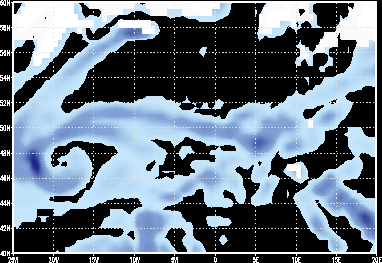
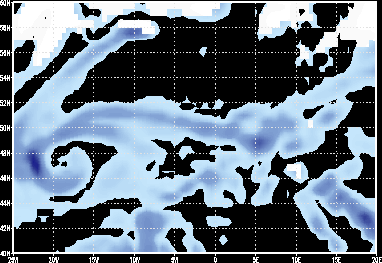 which I think is right, but with a black rather than transparent background. Can you get this so it's transparent rather than black. These images are then overlaid on basemaps in an animation as per my link in at the start of the post.